Record Your Screen with a Facecam
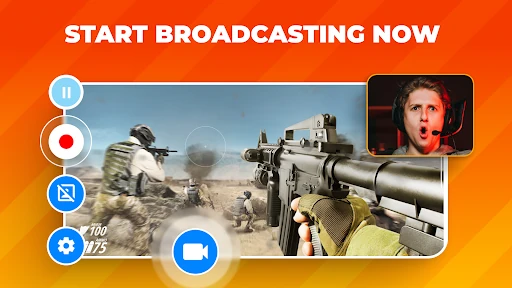
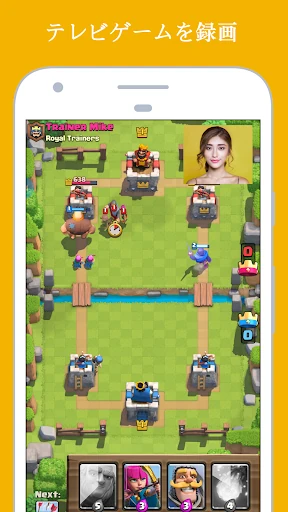
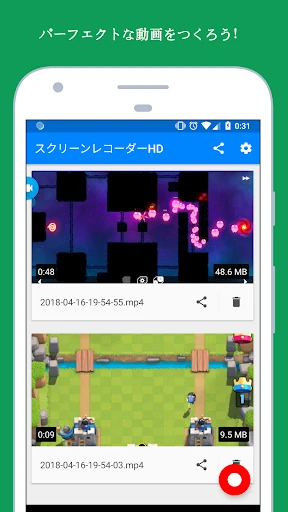
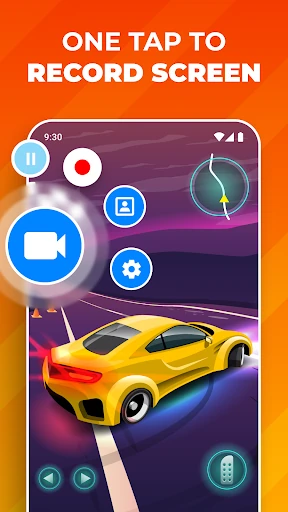
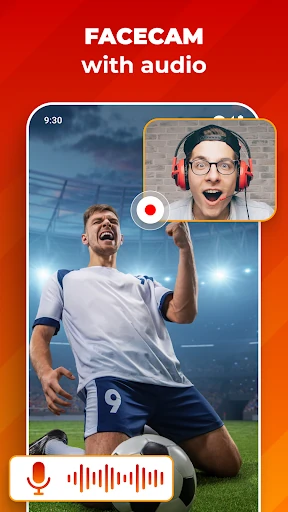
Screen Recorder: Facecam Audio captures what is happening on your Android screen while adding a live camera view and audio. It suits mobile gamers, tutorial makers, educators, and anyone creating reaction or walkthrough videos without a separate desktop setup. The facecam overlay keeps your commentary and on-screen activity in the same recording.
Flexible Capture Options
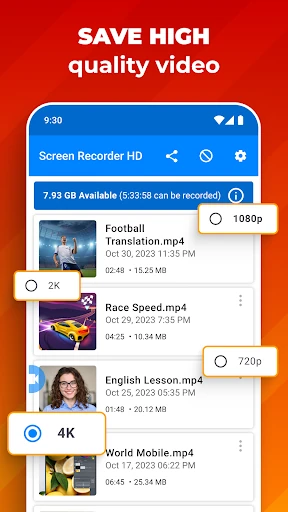
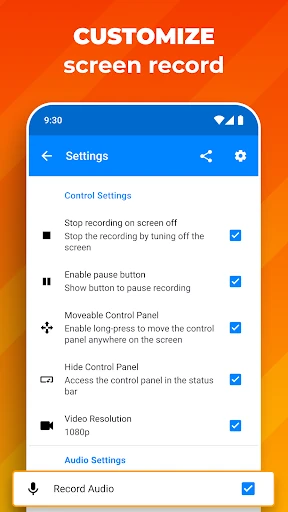
The app supports different video quality levels, including UHD, HD, and SD, so you can choose between sharper output, smaller files, and lower demands on your device. You can also select the audio source that fits the recording: internal device sound, microphone input, or a combination of screen activity and spoken commentary where supported.
- Record gameplay, app demonstrations, lessons, and reactions.
- Resize and reposition the facecam overlay to keep important screen areas clear.
- Use longer recording sessions when a tutorial or walkthrough needs more time.
What the Ratings Indicate
With a 4.35 rating from 639,761 reviews and 10,000,000+ installs, the app has a substantial user base in the Video Players & Editors route. These figures make it a practical stop for creators looking for a widely used screen-recording tool rather than a niche utility. It is developed by Prometheus Interactive LLC.
Before You Choose It
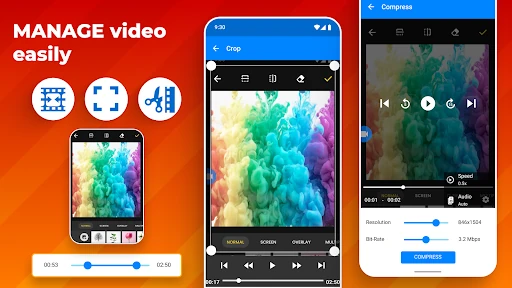
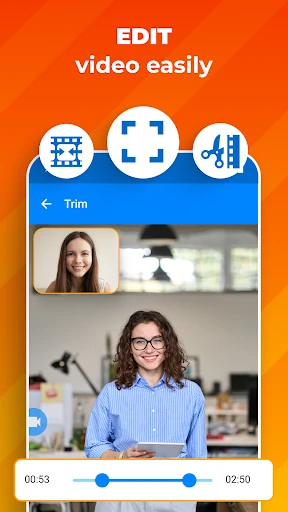
High-resolution recording can use considerable storage and device resources, especially during demanding gameplay. The app is focused on capture rather than full post-production, so users needing multitrack editing, color adjustments, or extensive effects may need another editor afterward. For straightforward screen recording with facecam and audio, its controls cover the main parts of the job.